Chrome extension · Beta
YouTube™ Summariser for ChatGPT
Send YouTube™ transcripts straight to ChatGPT in one click. If you’re not logged in, the Copy-Me fallback keeps you moving.
Built for speed and clarity: no Simpliq accounts, transcript handling runs in your browser, and the prompts stay editable.
What it does
- Send transcripts instantly. Click the Simpliq button on a YouTube™ video to open ChatGPT with the transcript already attached.
- Copy-Me fallback. Prefer a different model? Use Copy-Me to send the transcript to your clipboard along with a helpful prompt.
- Customisable prompts. Save the wording you like and tweak auto-submit settings so ChatGPT starts summarising right away.
No Simpliq login required.
No personal data collected.
Transcript handling stays inside your browser.
No personal data collected.
Transcript handling stays inside your browser.
Product tour
-
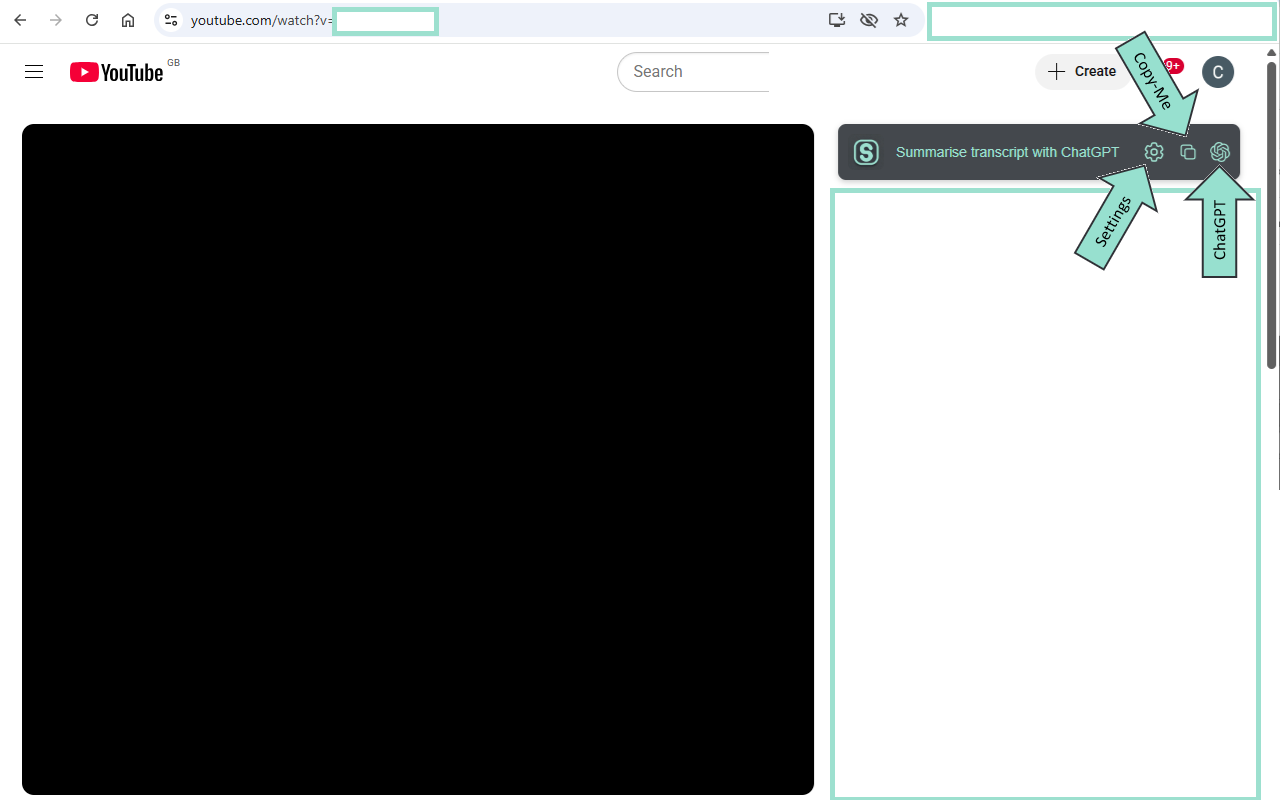 See the Simpliq button on the YouTube™ video page — one click to send the transcript.
 -
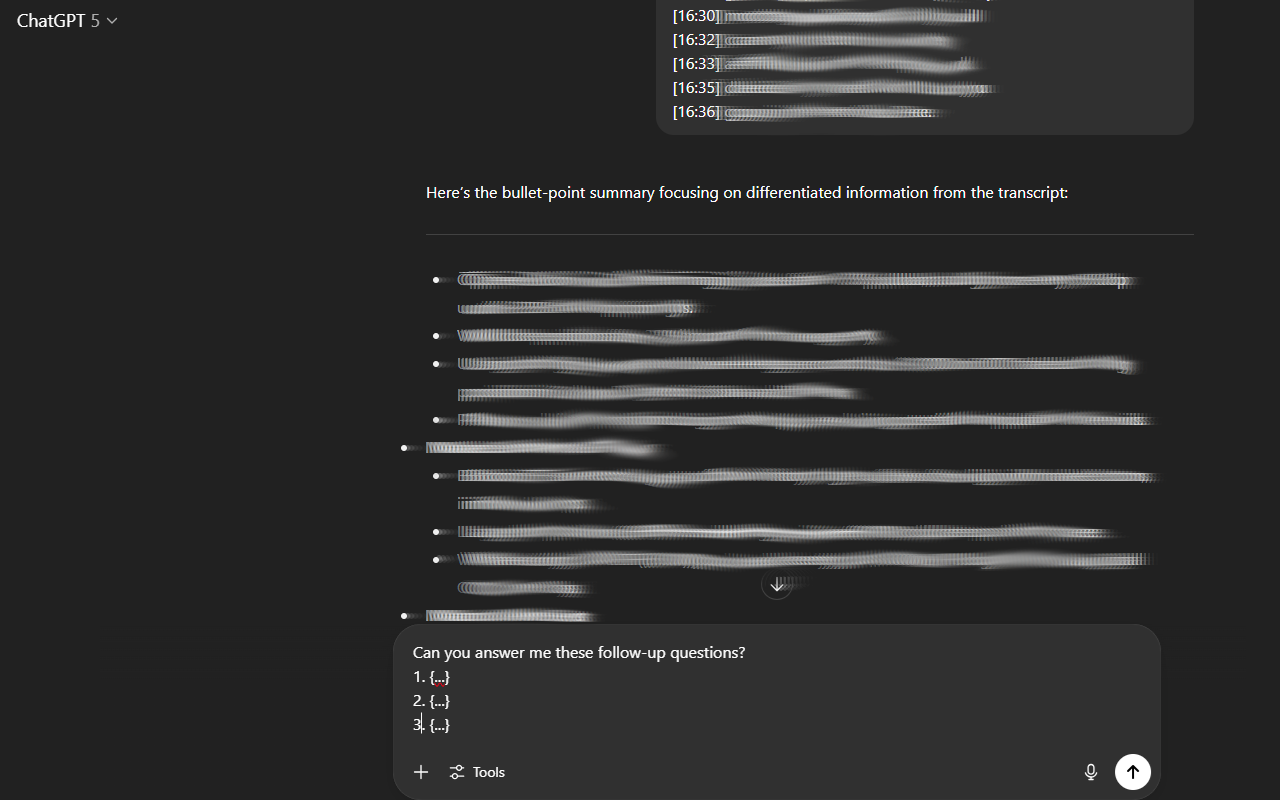 ChatGPT opens with your prompt and the transcript — ready to summarise and interrogate.
 -
 Use the Copy-Me feature if you’d rather paste into ChatGPT or any other AI tool.
 -
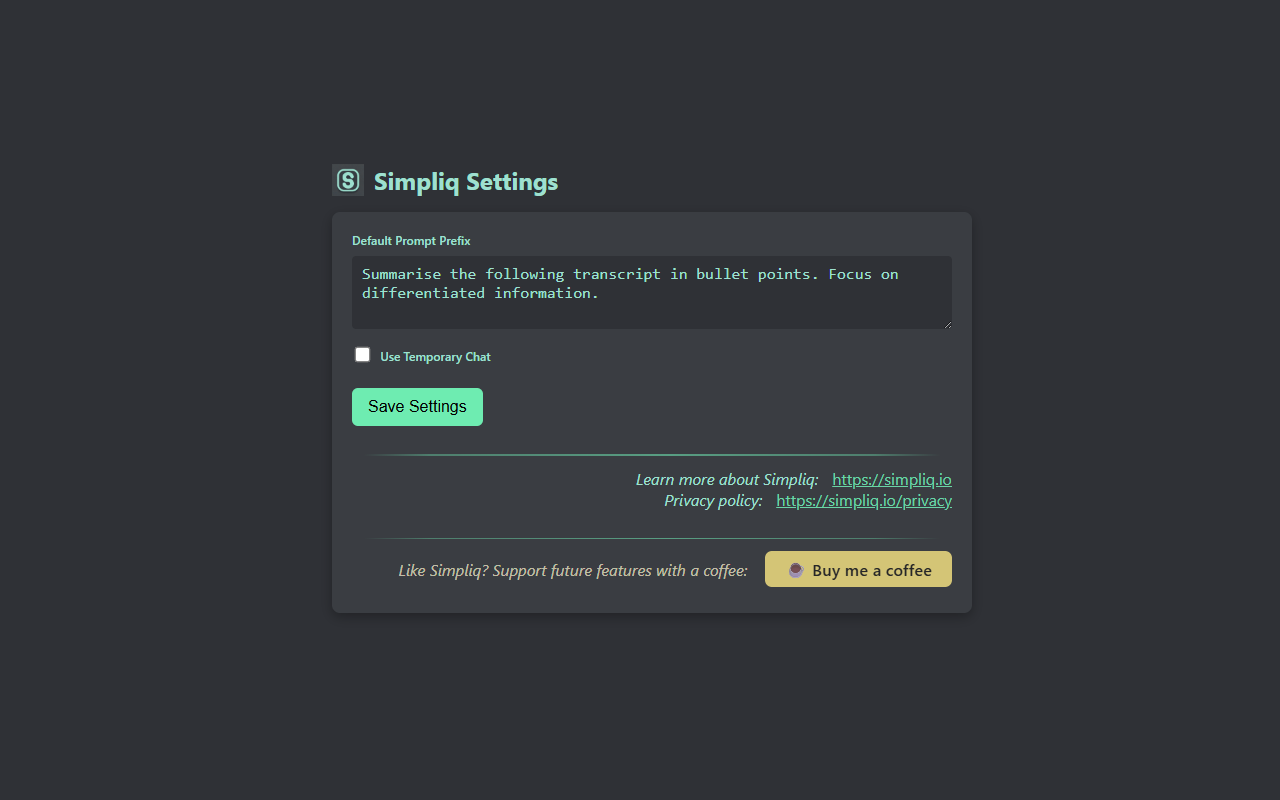 Customise your prompt and auto-submit options.
Roadmap
- Smarter prompt presets for different video types.
- Optional Reddit thread summariser.
- X (Twitter) account summary experiments.
Privacy
TL;DR: Simpliq collects only anonymous, aggregate usage stats to improve the extension. No personal info is collected, and data is never used to track individuals.
| What is collected? |
|
|---|---|
| How are IDs handled? |
|
| What data fields are logged? |
|
| Where and how is data transmitted and stored? |
|
| Retention and deletion |
|
| Is data shared? | No. We never sell or share raw or aggregated telemetry with any third party. |
| Tracking? | No persistent tracking, cookies, fingerprinting, or third-party tracking. UUIDs rotate daily and are never combined with video IDs. |
| Opt out? | Telemetry is anonymized and required for product assessment. Uninstalling the extension stops all collection. |
| ChatGPT data | ChatGPT opens in your browser using your own account. Simpliq never sees your prompts, completions, or chat data. |
Support
Simpliq is built in spare hours and shared to save you time. If the tool helps, a coffee fuels future updates.